
Array Formatter Action
You should be able to format webhook arrays without guessing what an action will return, which the Array Formatter helps you achieve. So, we’ve made this action free and easier to use. Let’s check it out!
⭐️How Do These Changes Affect You?:
Action Rename: The “Array Functions” action has been renamed to “Array Formatter.”
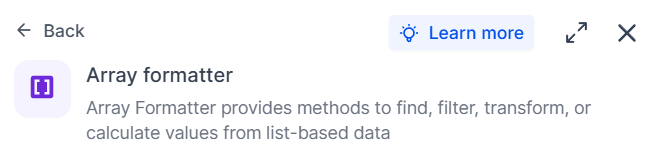
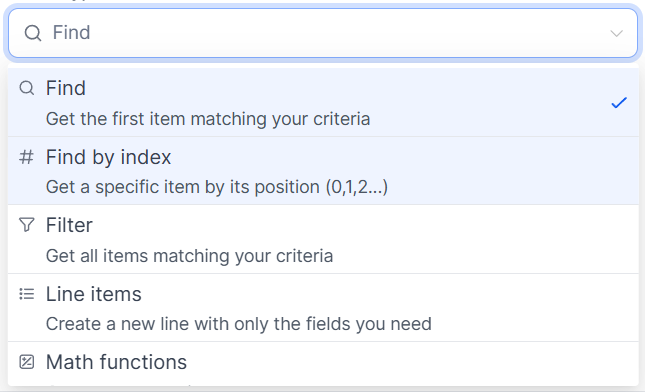
Improved Usability: The action panel shows type descriptions, icons, return types, and output previews.
Billing Update: This action now runs as a standard execution billed at $0, and the Premium Action badge and banners have been removed.
⭐️How To Use The Array Formatter Action?
Let’s learn how to use this action to remove guessing from workflows!
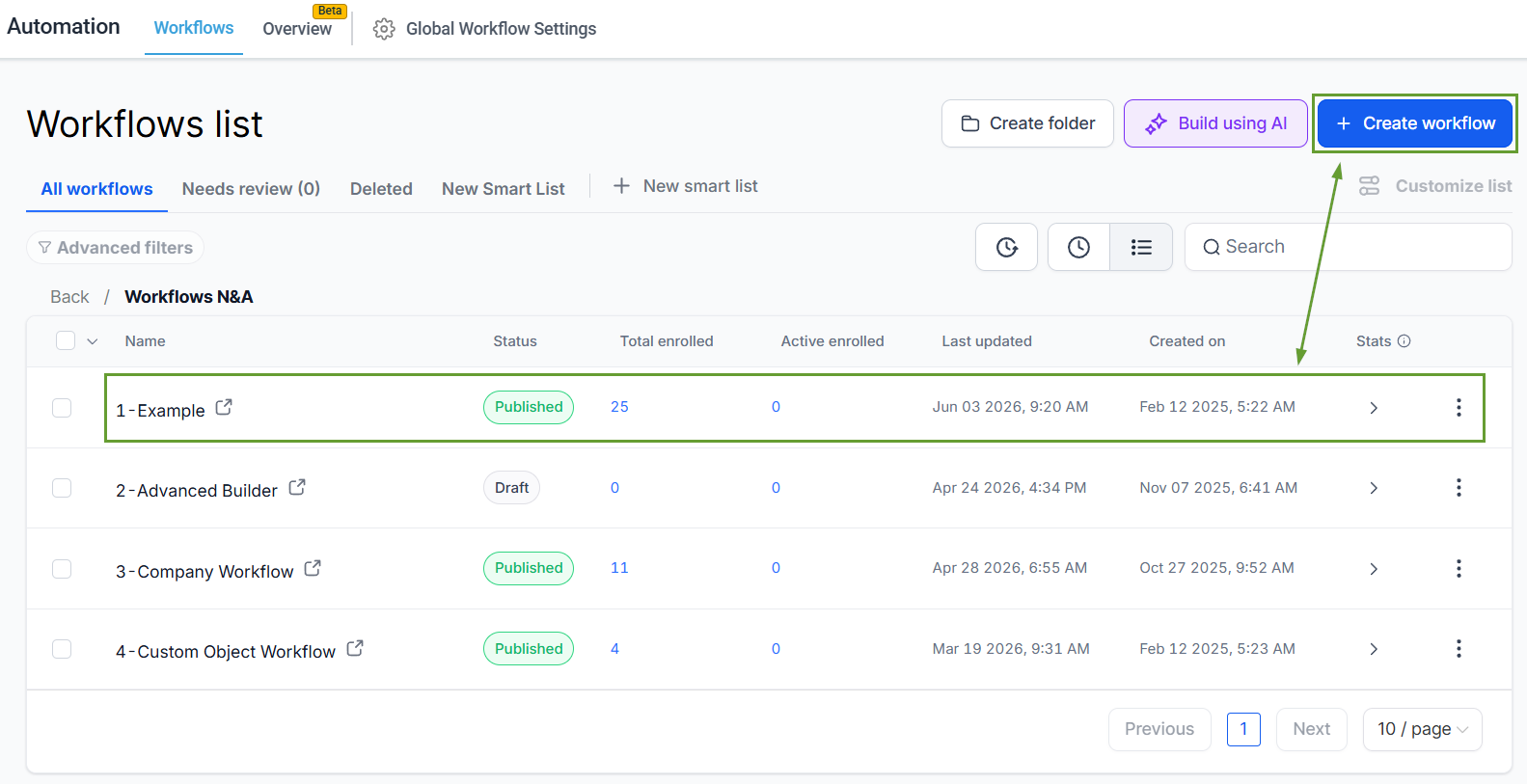
Head to the Workflows tab inside the Automation section and edit or create a new workflow.
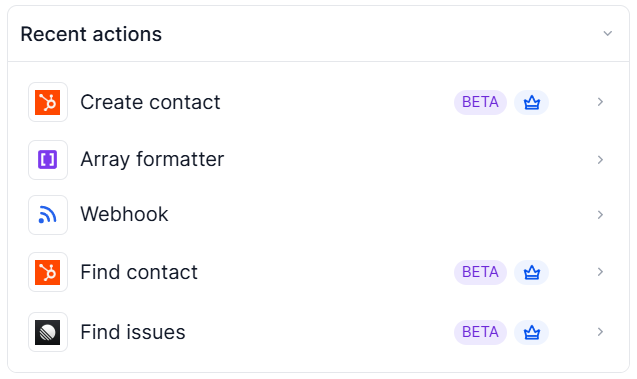
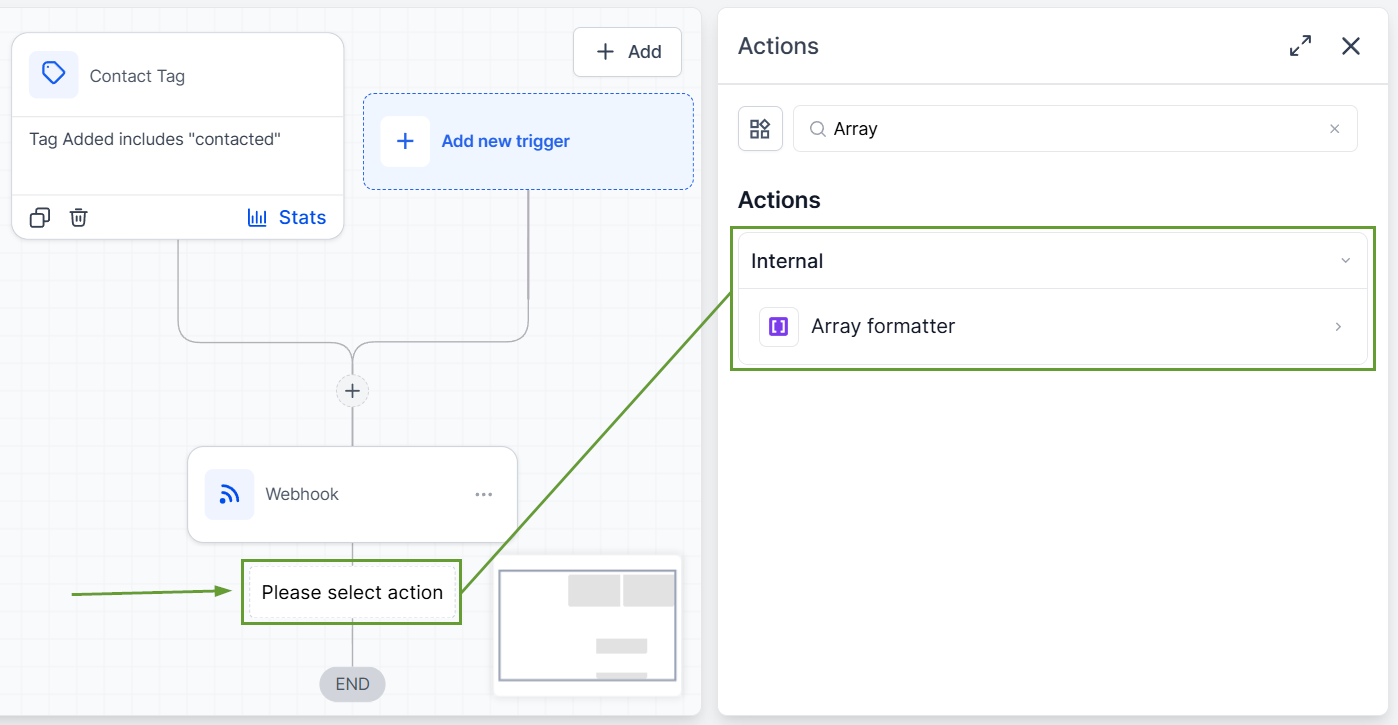
Add Array Formatter after a webhook or any step that outputs an array.
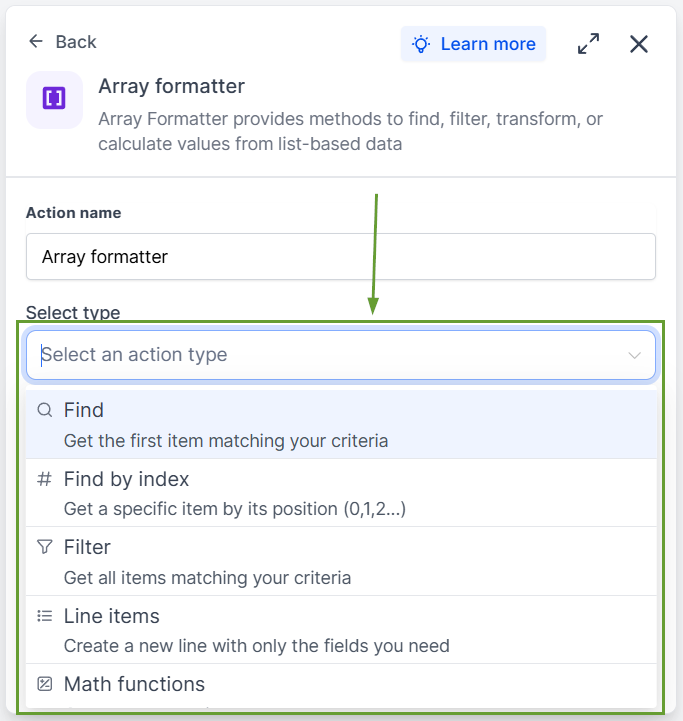
Pick an action type using the improved dropdown descriptions.
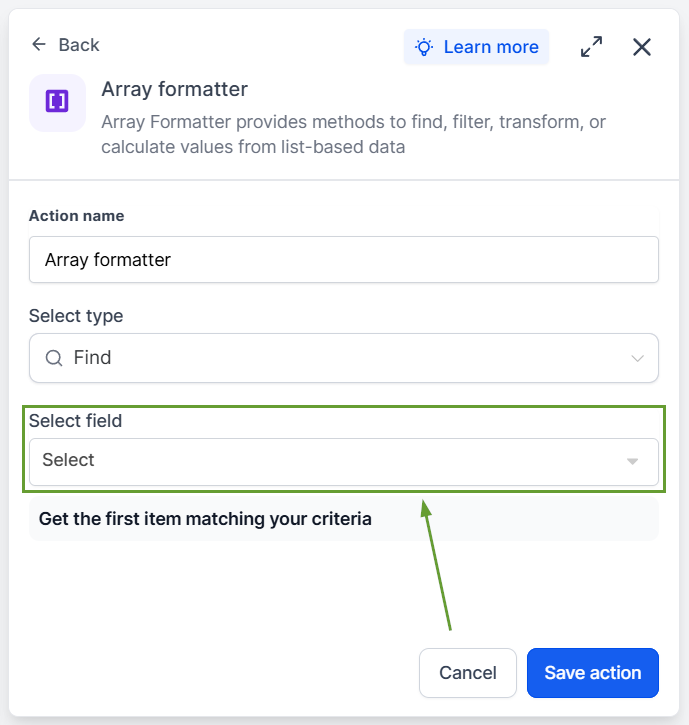
Review the return type and preview before saving.
Workflow behavior stays the same, except that you won't be charged for array formatter executions. These updates make Array Formatter free, clearer, and more predictable to use. We hope you enjoy it!
