Dashboard Widgets for Appointment Services & Rentals
We’ve introduced new Appointment widgets on the Dashboard, allowing you to track Service or Rental performance directly. These widgets support configurable metrics, filters, and groupings. Let’s check how to use them!
⭐️ How To Add A Service Or Rental Appointment Widget?
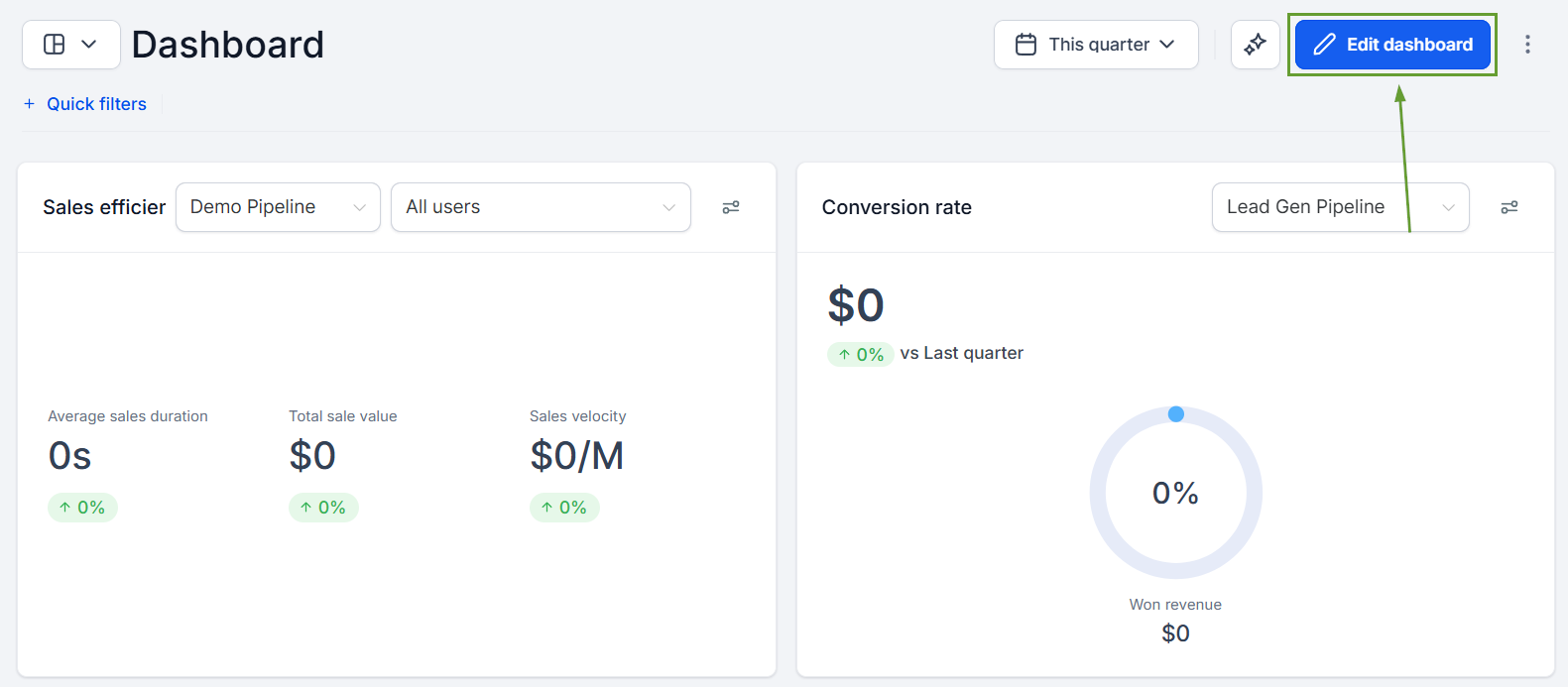
Start by heading to the Dashboard section and clicking Edit Dashboard.
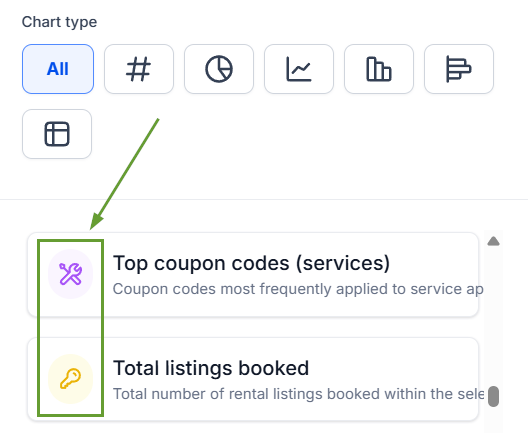
Select your desired service or rental widget from the Appointments Category.
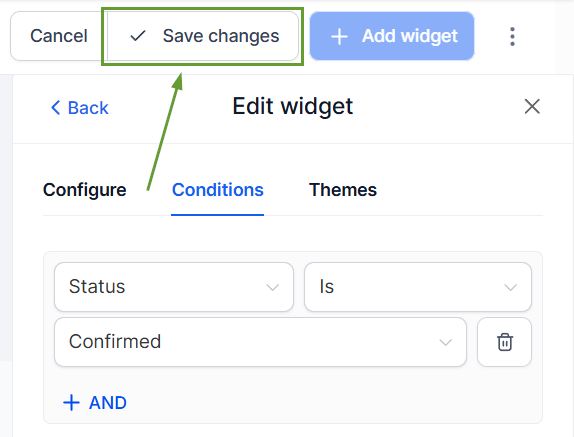
To specify certain details, head to the Conditions tab and set your filters.
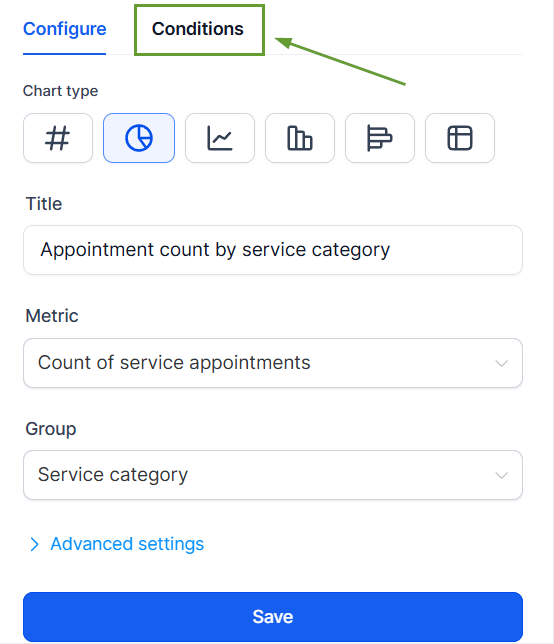
Once satisfied, click Save to add your widget.
⭐️Why Is This Feature Beneficial To Your Company?
Maximize Revenue Visibility: Instantly see which services, staff, and rental listings are driving the most revenue, so you can double down on what works.
Optimize Rental Operations: Track overdue, unconfirmed, and upcoming rentals in one place to reduce manual follow-up and inventory blind spots.
Improve Coupon ROI: Measure coupon redemptions, revenue impact, and top-performing codes to make smarter promotional decisions.
These new Appointment widgets give instant visibility into Services & Rentals without leaving the Dashboard, helping you improve customer experience, update your offerings, and manage coupons. We hope you enjoy it!
