Fathom Actions & Triggers
Fathom automatically transcribes and summarizes. Since this information is critical to customer relationships, we’ve added a connection to it in workflows to help you easily include this data in the CRM. Let's learn how!
⭐️ How To Use Fathom Actions & Triggers?
First, head to the Integration section inside your account settings and click “connect” under Fathom.
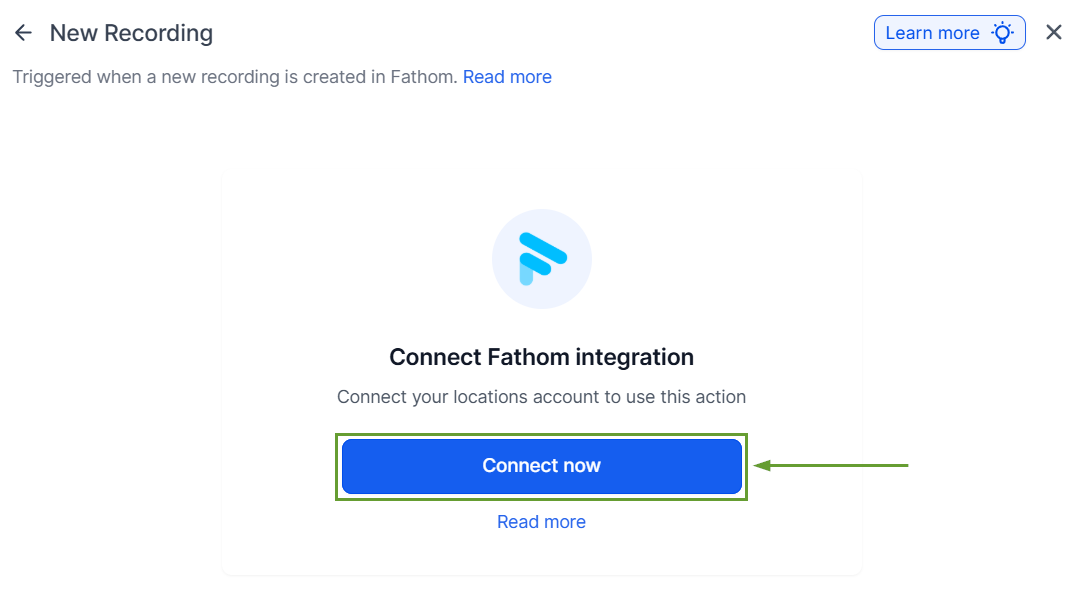
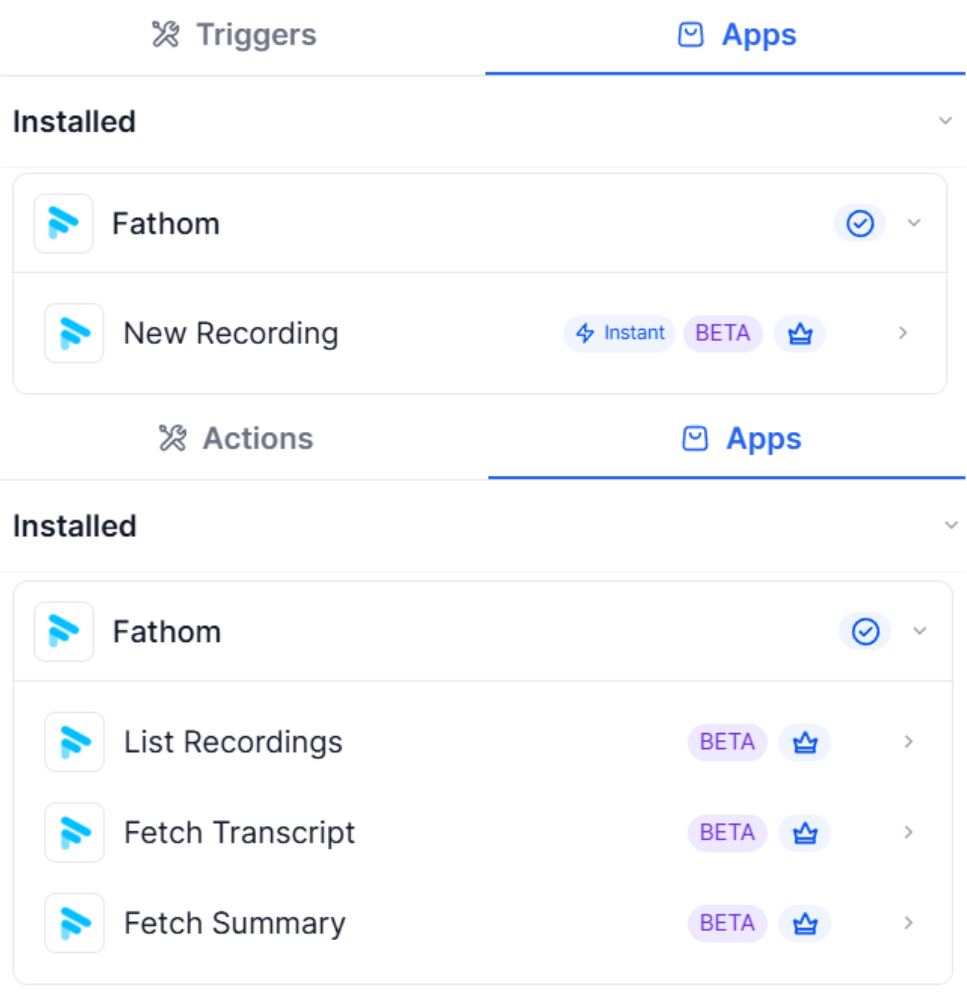
Choose a Fathom trigger or action.
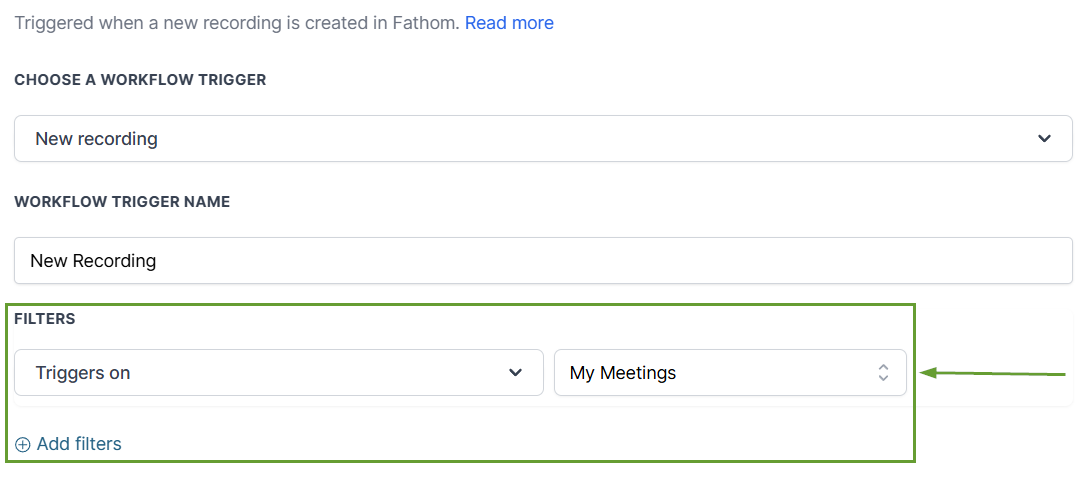
Fields will appear to specify the meetings to interact with.
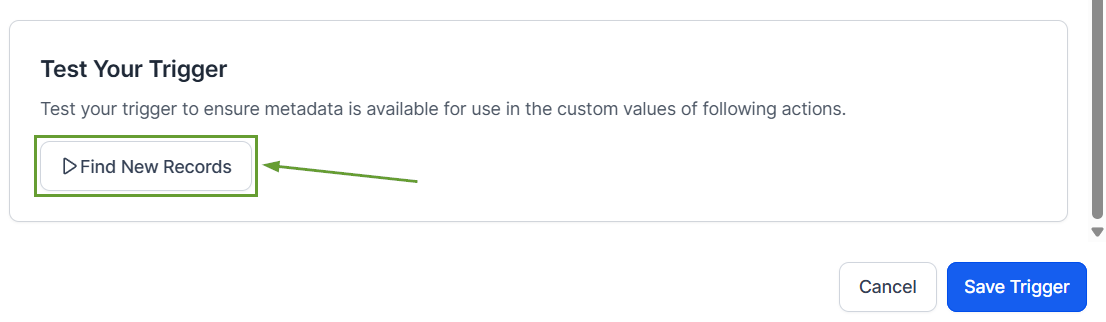
Test your trigger or action before saving to ensure proper connection.
⭐️Why Is This Feature Beneficial To Your Company?
Easy Data Management: Use meetings as the starting point of conversations or add information into the system thanks to this connection.
Information Organization: You can match contacts using participant details within your workflow to keep meeting notes, summaries, and transcripts.
Automated Syncronization: This reduces manual updates and eliminates the need for third-party automation tools by building an integrated bridge.
The integration helps you turn meeting conversations into automated workflows such as follow-ups, task creation, and internal notifications without manual effort. We hope you enjoy it!
