
Monday.com Actions
Monday allows you to manage projects and ensure deadlines are met, so if you are used to this software and would like to connect it with your CRM for seamless sync of items, statuses, and updates, this update is for you. Let’s check how to use it!
⭐️How to Use Monday.com Actions?
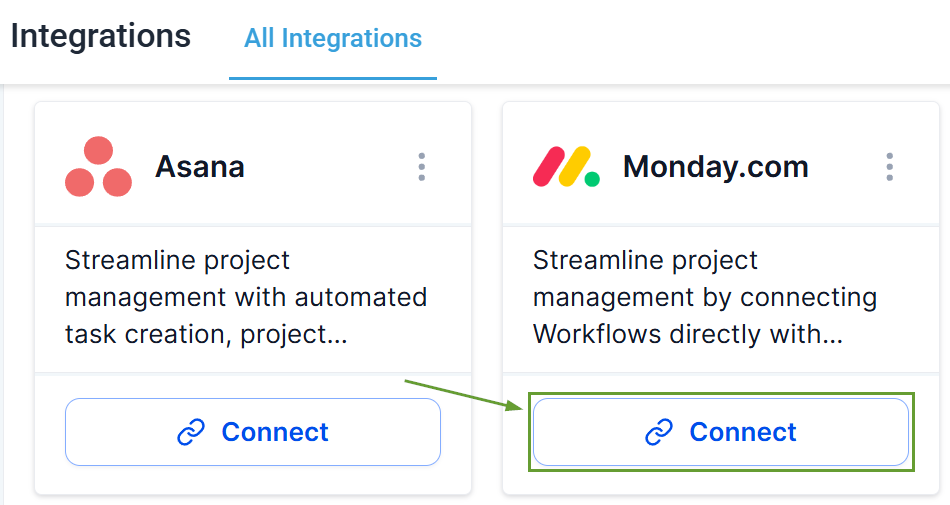
Head to the integrations tab inside your account settings and click connect underMonday.com
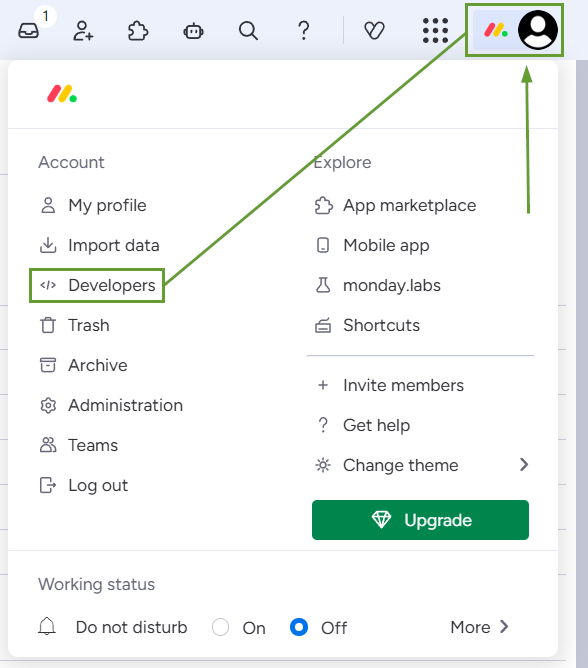
In your Monday account, click your profile picture and select Developers to get your API key.
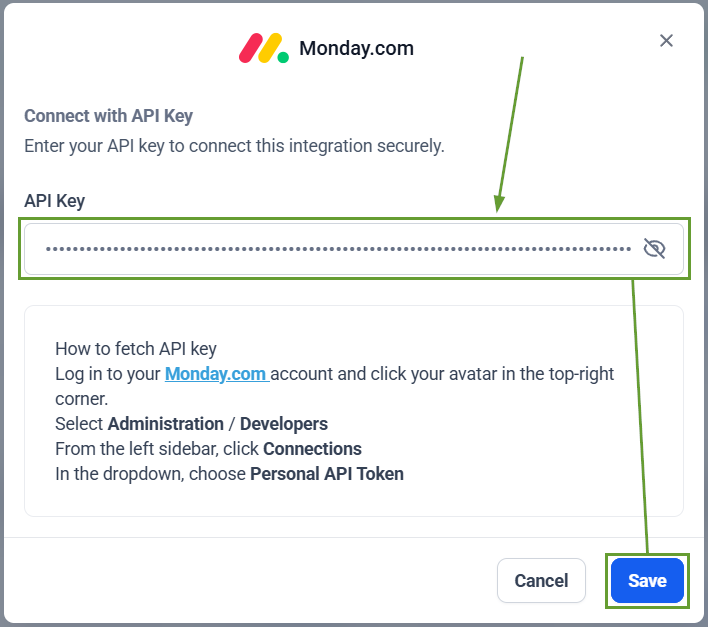
Enter your API key in the CRM and click Save.
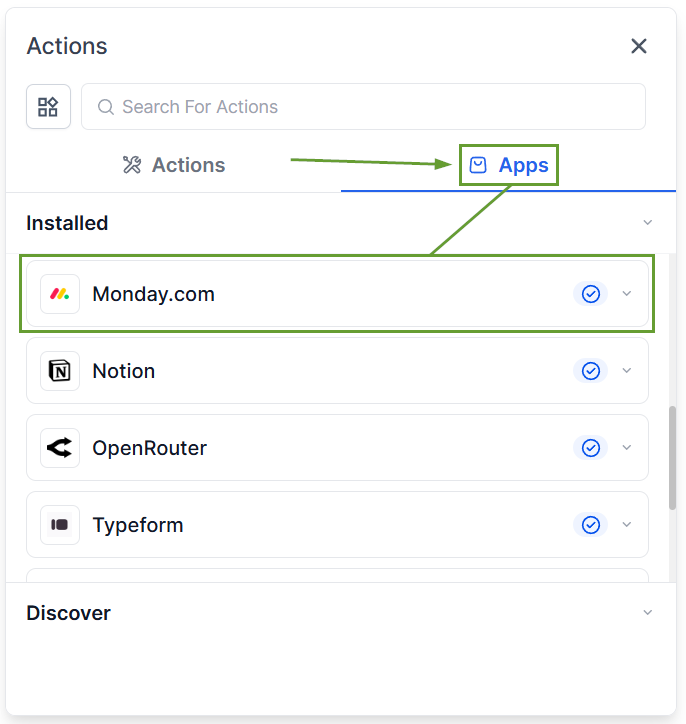
Head to your workflow and add an action; you can findMonday.comactions in the apps section.
⭐️Why Is This Feature Beneficial To Your Company?
Direct Connection: This update allows you to integrate your already existing work with the system. Easily eliminating reliance on Zapier, Make, or custom webhooks.
Improved Communication: Trigger emails, Slack notifications, or notes when a Monday item’s status changes, making customer care efficient.
Integrated Action Testing: The test action feature will allow you to verify the action before execution, letting you save the schema and use it in subsequent actions as custom values.
This will help you manage big projects and maintain cross-system references and visibility with your workflows, without having to migrate your team’s work to run communication and automation flows. We hope you enjoy it!
