AI Reply for Facebook Reviews
The way you respond to reviews goes a long way to dissuading negative emotions and encouraging positive reviewers to keep interacting with your business. And you can manage comments on your Facebook pages with the power of AI Agents!
⭐️ How To Enable AI Replies For Facebook Reviews?
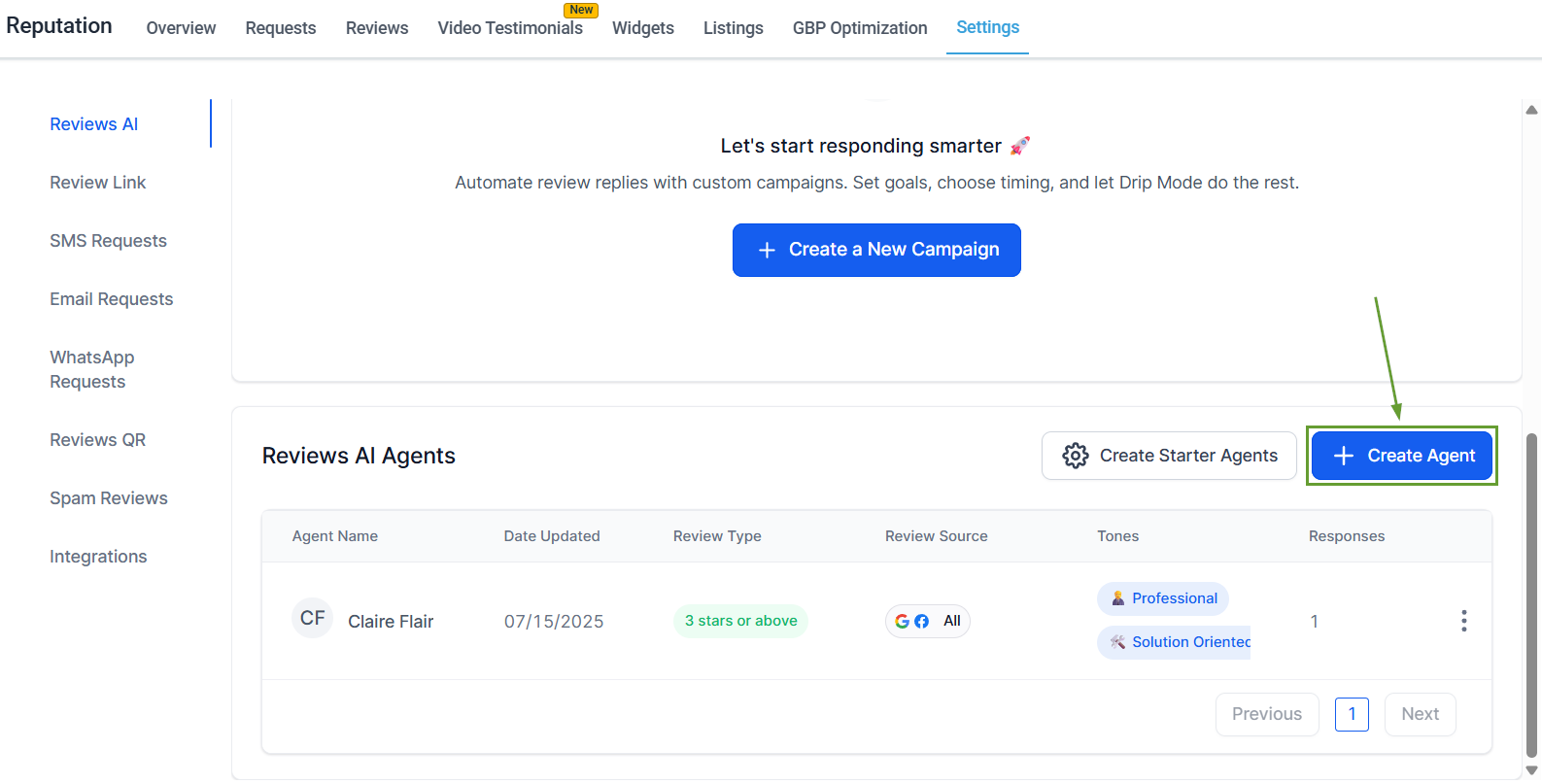
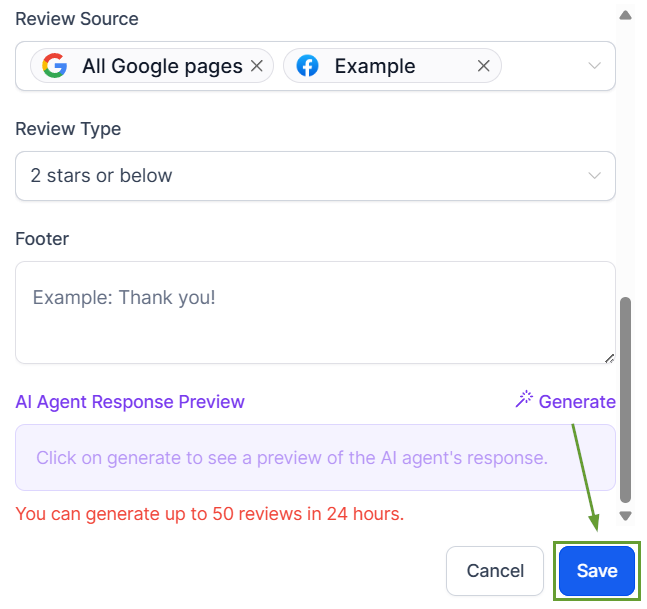
Go to the Settings tab in the Reputation section, then click Create Agent.
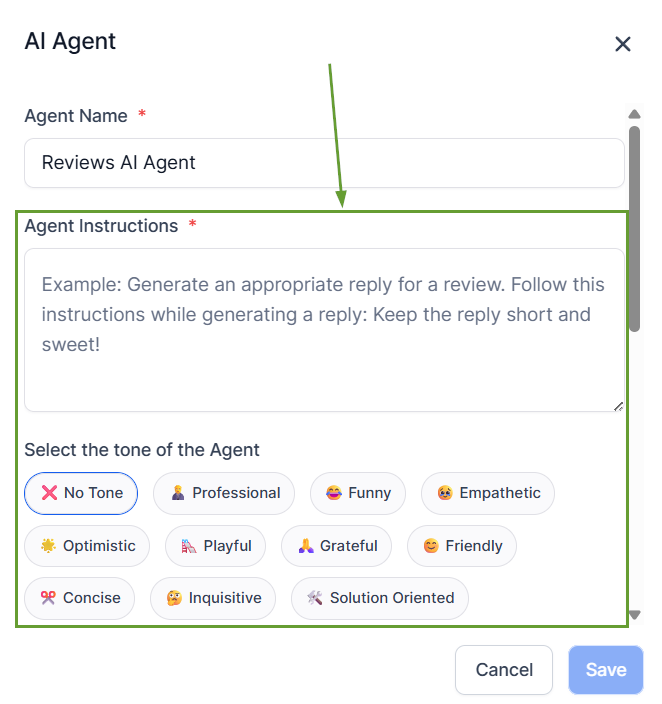
Choose tone, language, and review conditions.
Select all Facebook pages or specific Facebook pages under Review Source.
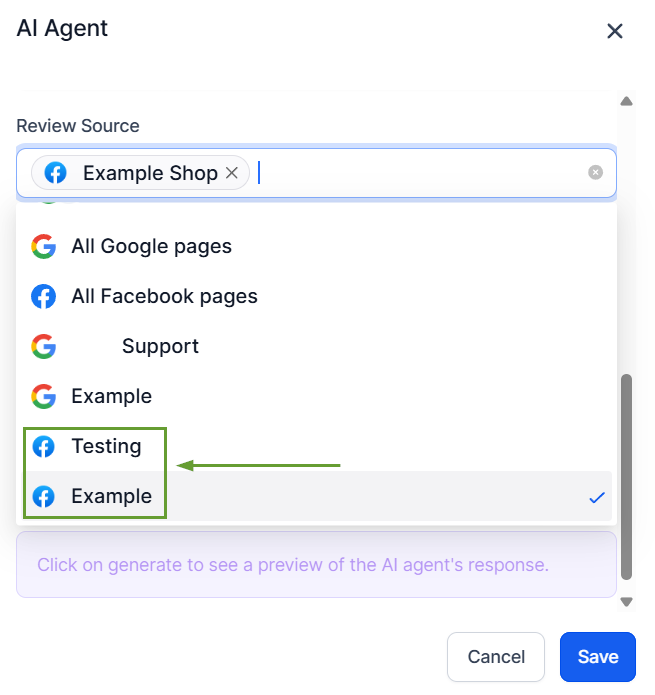
Save the agent to start using it.
⭐️Why Is This Feature Beneficial To Your Company?
Multi-Tone Management: Create distinct personalities to fit your page’s branding or the review’s content, using AI Agents to create organic-feeling replies.
Branding Consistency: Easily maintain a unified voice across all responses, even when using multiple languages to interact with customers or responding to different platforms.
Immediate Responses: Improve review response coverage and timing to ensure customer satisfaction with fully generated or AI-assisted replies that prioritize context.
Use the dynamic AI personalities to create a response team without hiring more people, reduce robotic responses, create distinct voices for different pages, and take your review management to the next level.
