
Calendly Actions & Triggers
Calendly lets you share a custom link with your availability to manage appointments. To help you manage changes and updates, you can now connect Calendly directly to Workflows, allowing your automations to react to scheduling activity and drive back the other way. Let’s learn how to use it!
⭐️ How To Use Calendly Actions & Triggers?
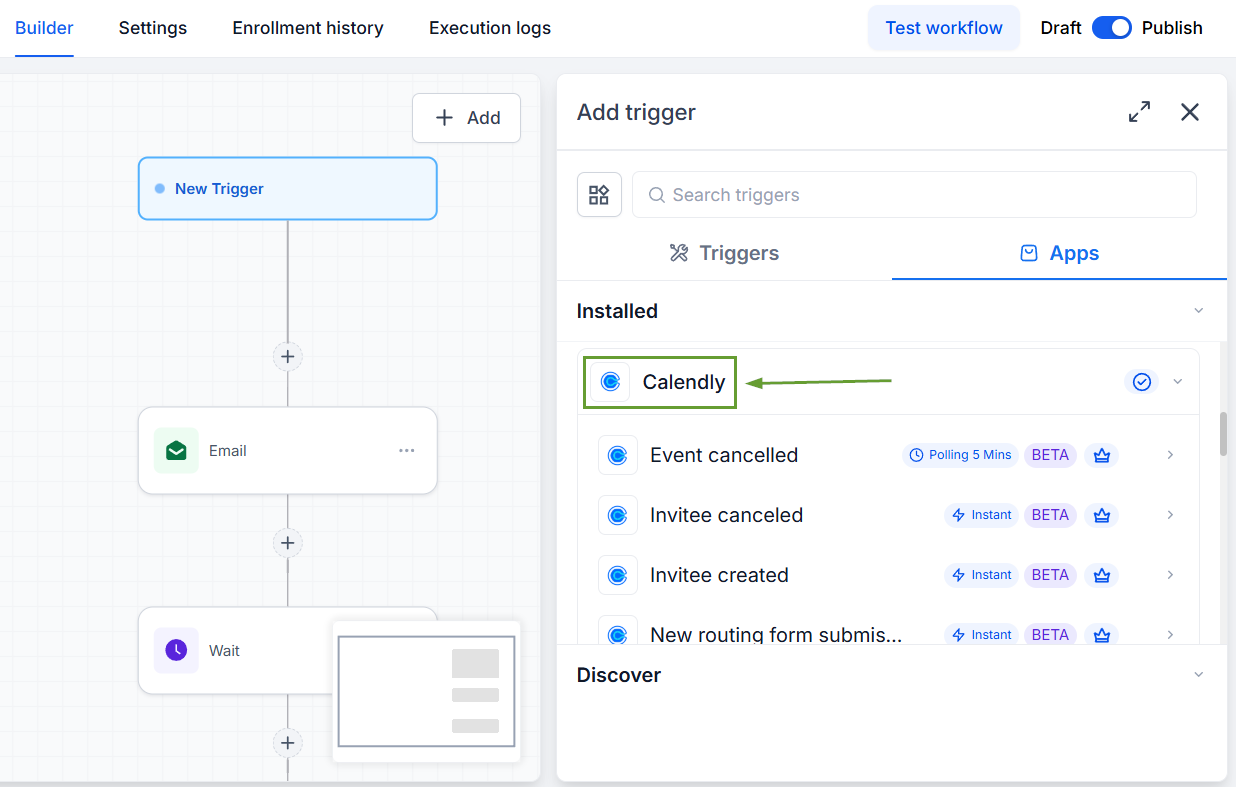
In Workflows, add a Calendly trigger or action.
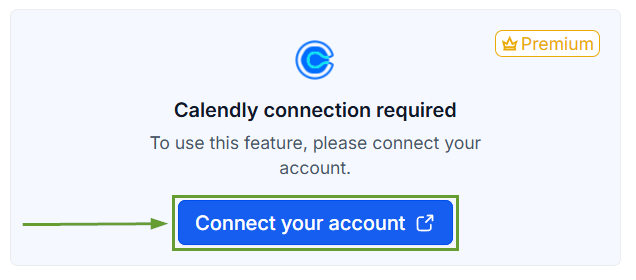
Click Connect your account and enter the necessary permissions to connect to Calendly.
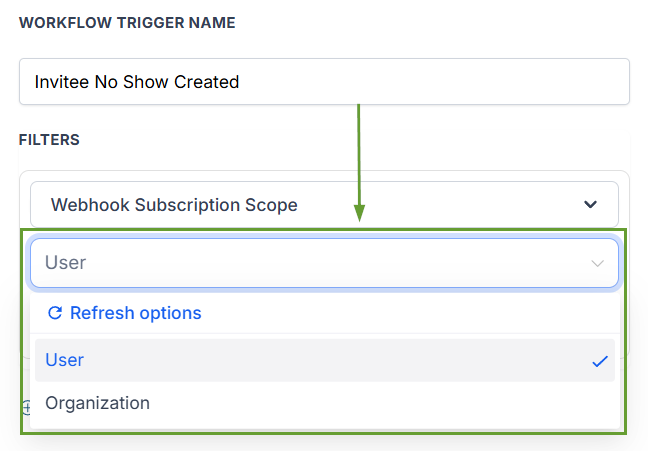
For triggers, pick a Webhook Subscription Scope, then add any additional filters.
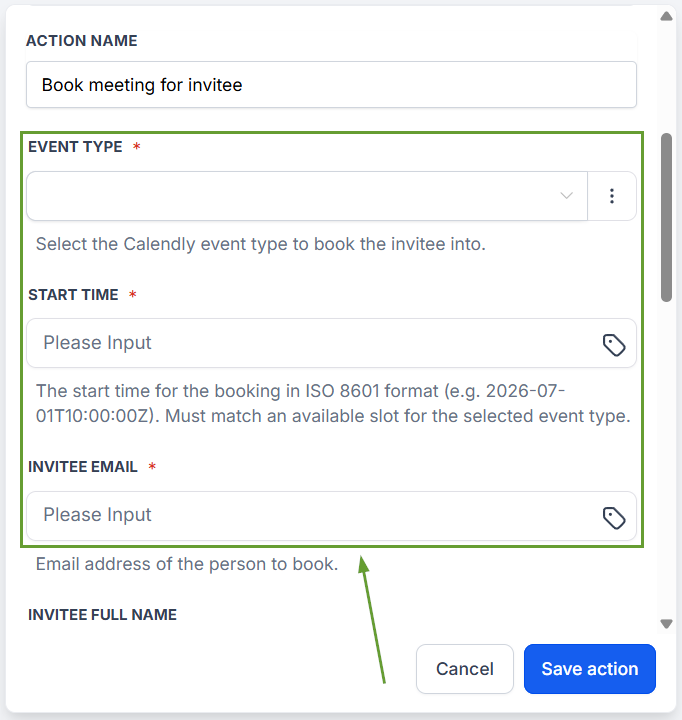
For actions, fill in the required fields and Test Action to validate.
⭐️Why Is This Feature Beneficial To Your Company?
No Manual Data Entry: Meeting details automatically sync to the CRM. This guarantees a single source of truth without requiring manual logging of activities.
Personalized Automation: Use your personalized workflows and their contents without sacrificing the comfort of your previously set up Calendly profile.
Increased Productivity: This helps you manage schedules, track client history to avoid distractions from switching platforms, and centralize notifications.
Use the added support to ensure your customers are satisfied and communication is efficient, leveraging the tools your workflows offer to create the perfect system. We hope you enjoy it!
