
Opportunity Forecasting
The Forecast tab in Opportunities helps you track, predict, and improve your pipeline performance using expected close dates and probability-based forecasting to give you a clear view of your future revenue without spreadsheets. Let’s learn how to use this new section!
⭐️What Does This Feature Include?
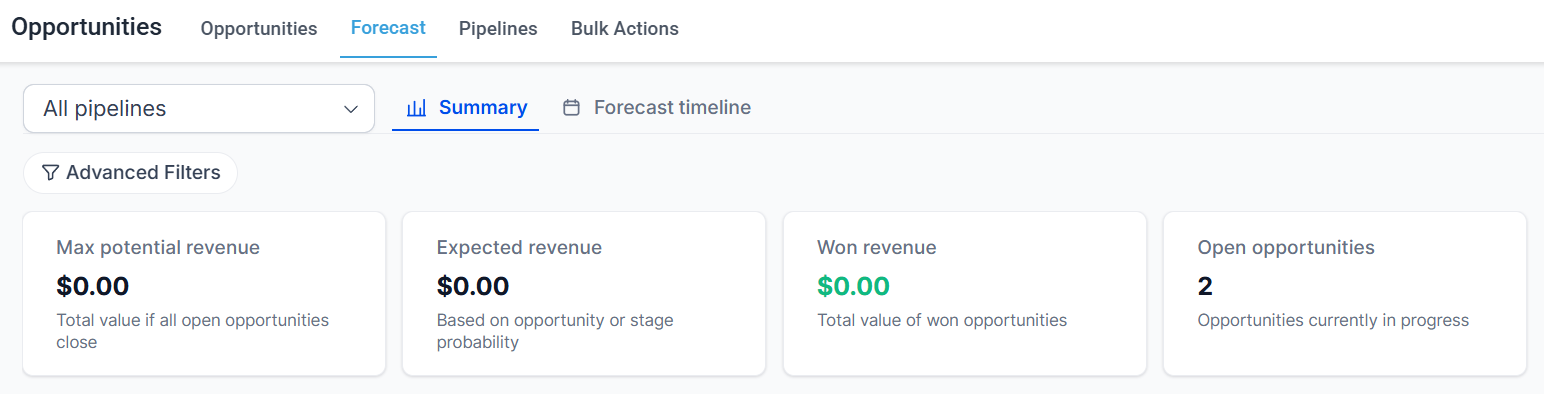
Main Summary: This provides an overview of your Pipeline's health and performance by displaying the max potential, expected, and won revenue, and open opportunities in your selected pipeline.
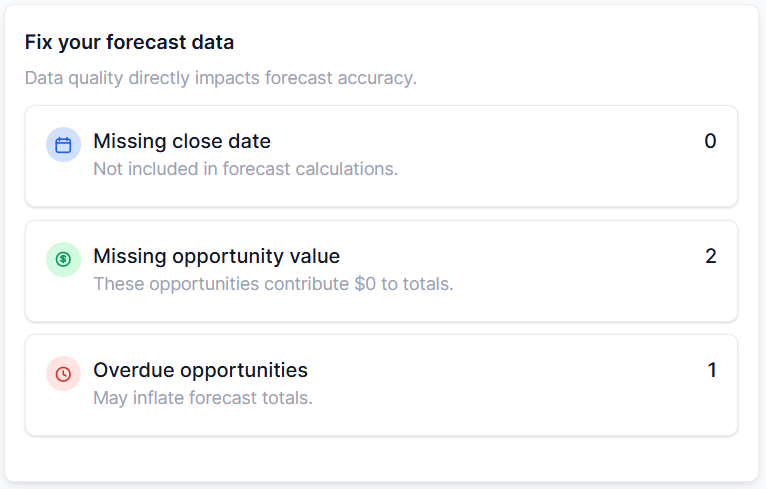
Fix Your Forecast Data: This section provides actionable insights into missing information affecting your forecasting.
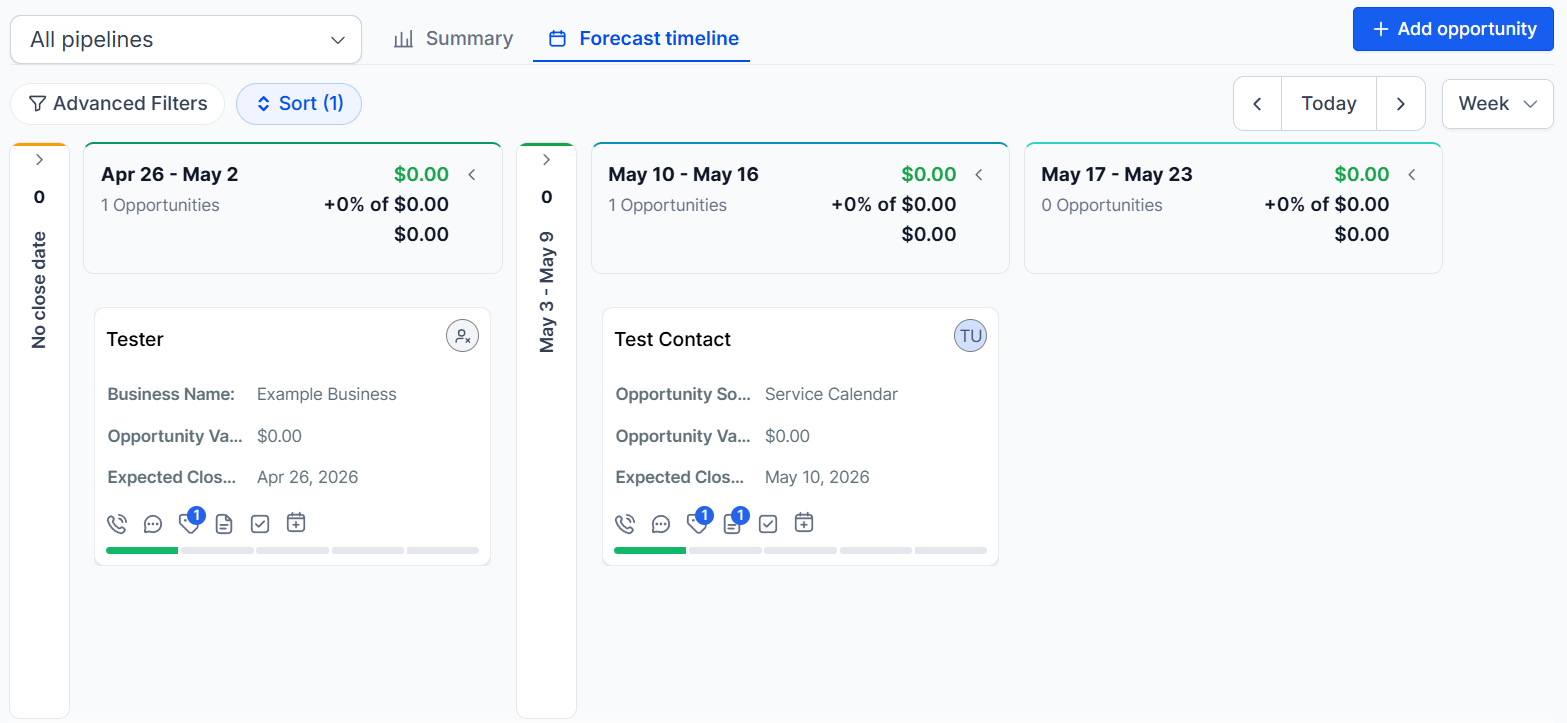
Forecast Timeline: The Forecast Timeline shows how opportunities are distributed across selectable periods in your chosen pipeline.
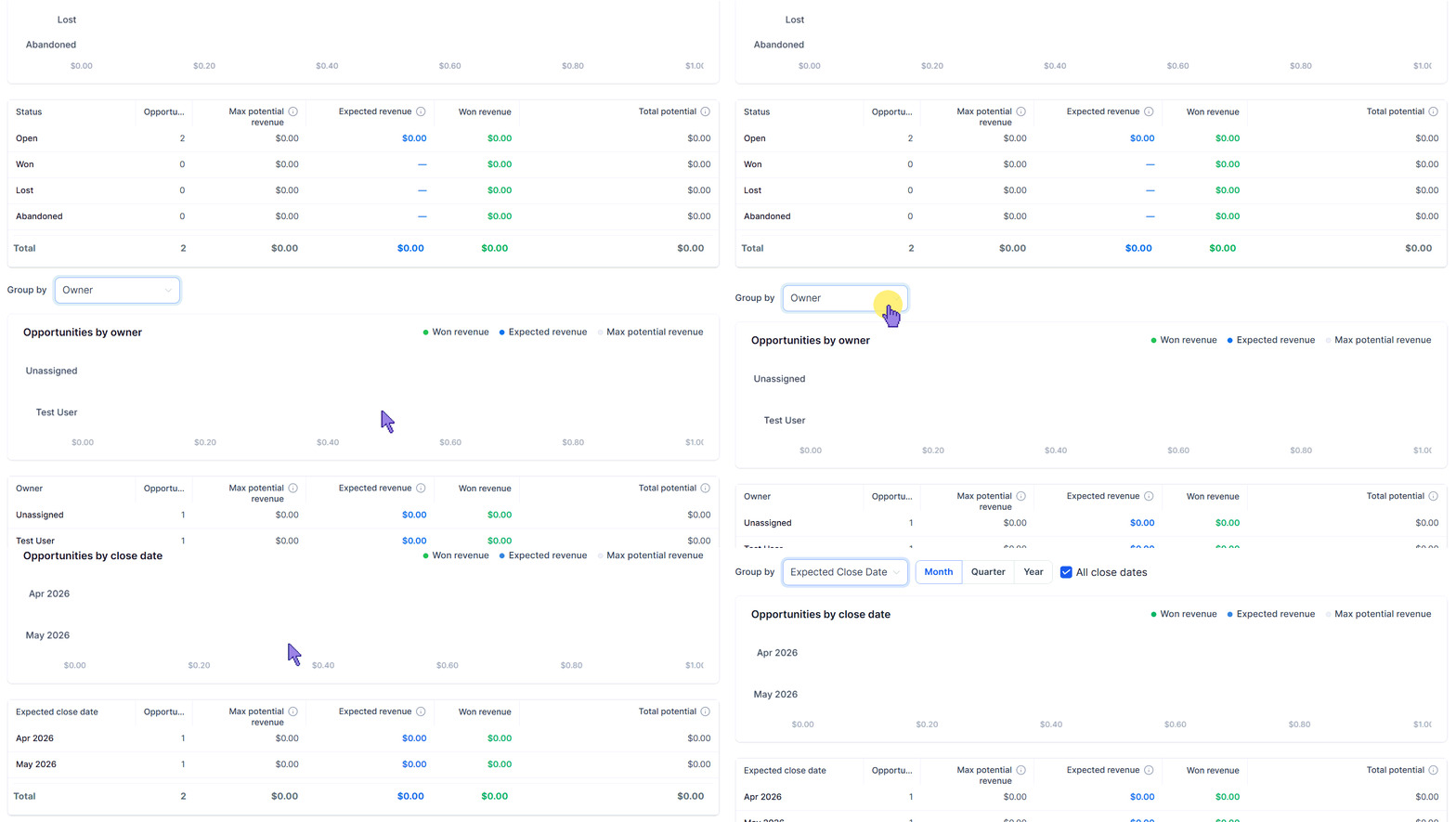
Variable Data Breakdown: Use the “Group by” drop-down menu to change the chart breakdown of your opportunities based on Owner, Status, or Expected Close Date.
⭐️ How To Configure Parameters For At-Risk Opportunities?
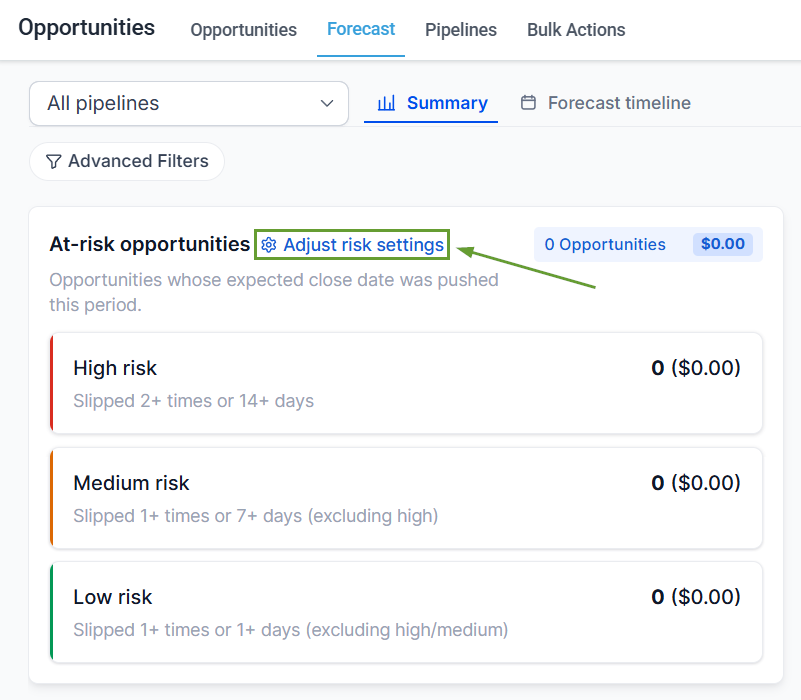
Scroll down to “At-risk opportunities” and click Adjust Risk Settings.
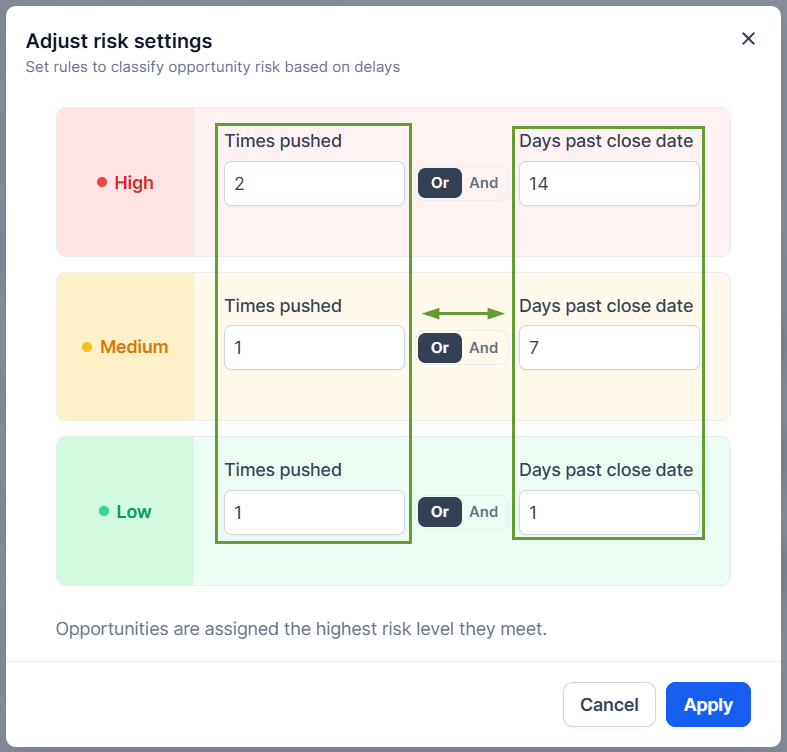
Set the times when an opportunity must be rescheduled and how many days it should be overdue to get assigned the risk level.
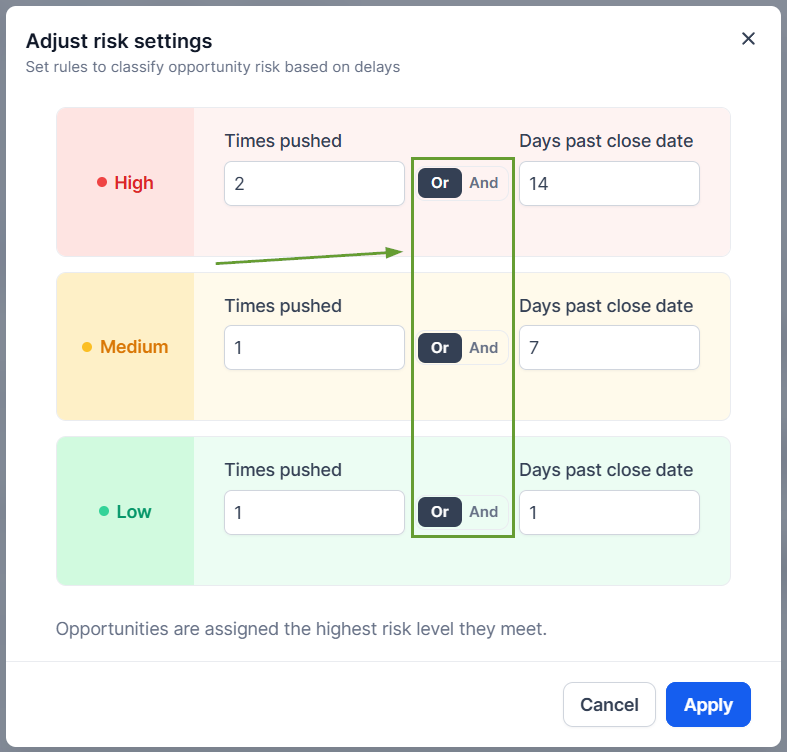
Select whether you want the conditions to be met independently by selecting OR, or simultaneously by picking AND.
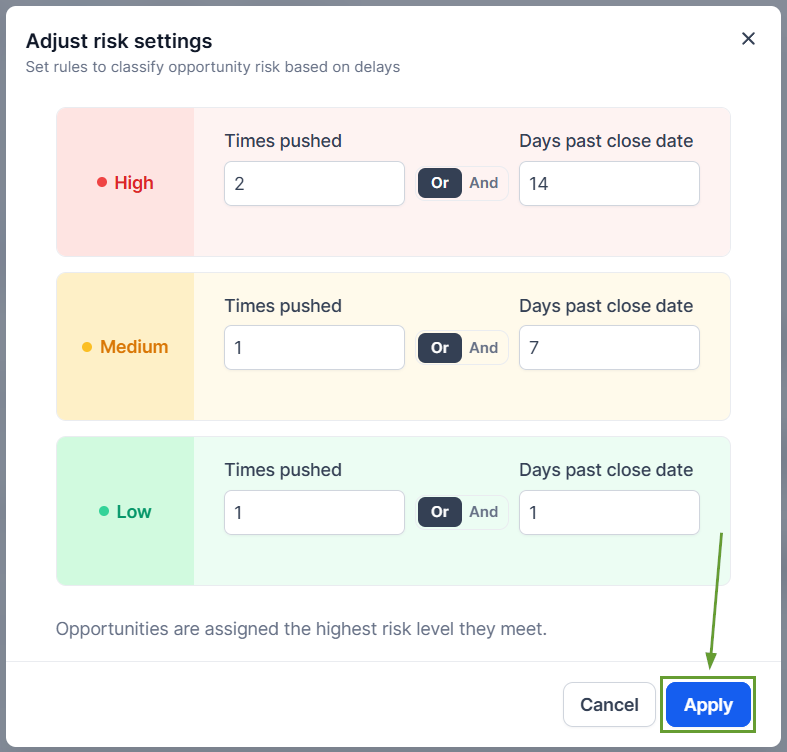
Once your conditions are set, click Apply.
This helps you move from basic pipeline tracking into real revenue forecasting, helping you identify at-risk deals early and get a more accurate view of what will close and when. We hope you enjoy it!
