Rentals are Live
Rentals help you manage bookable inventory, such as spaces or event supplies. Designed for duration-based, inventory-driven bookings, they help you expand your product management and accurately model your services. Let's learn how they work.
⭐️How To Create A Rental Listing?
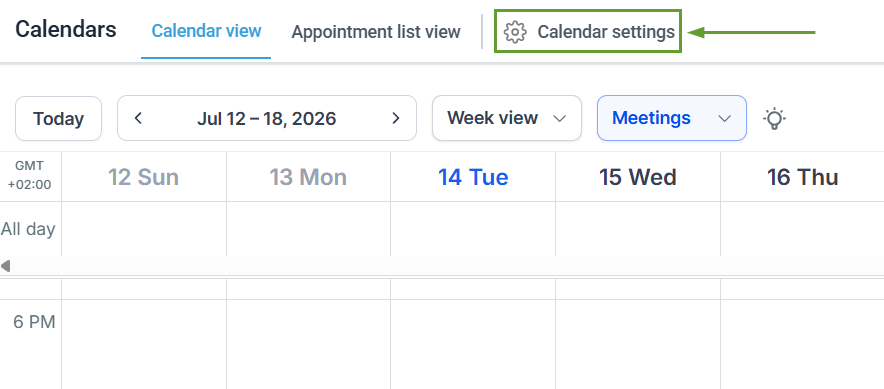
To get started, access your Calendar Settings inside your Calendars section.
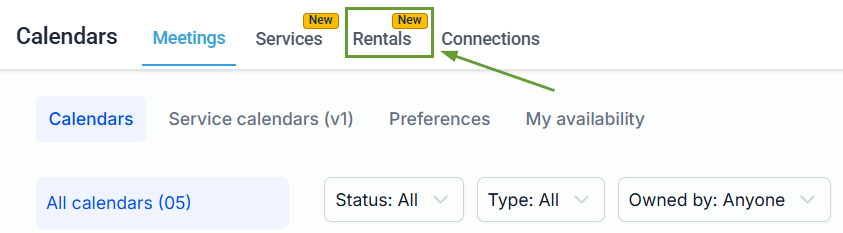
Once inside the Calendar Settings, head to the Rentals tab.
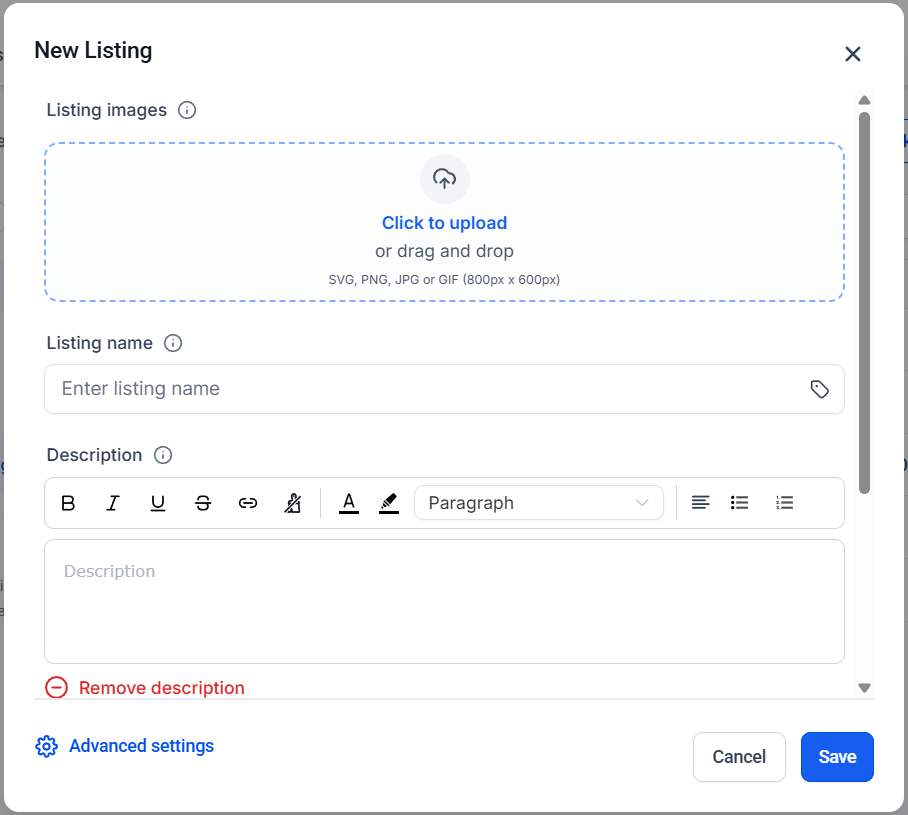
Locate the + New Listing button in the upper-right corner of the page and click it.
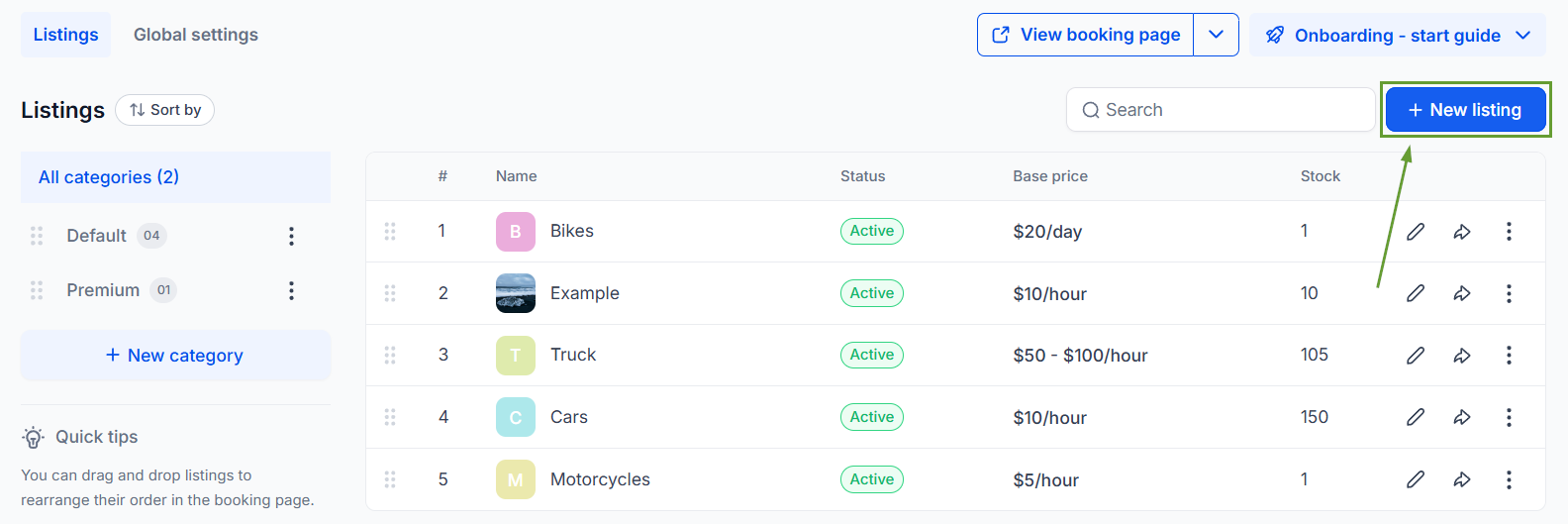
Fill out the details of your rental product Listing.
⭐️Why Is This Feature Beneficial To Your Company?
Booking Management: Rentals include a full booking management system, from creation to tracking the booking lifecycle, giving you centralized control.
Flexible Pricing Models: Configure pricing that fits your business with support for seasonal and tiered pricing, security deposits, and special offers for rental duration and quantity.
Multi-Item Bookings: Customers can book multiple rental listings in a single checkout, perfect for bundles, event setups, or combined equipment rentals.
This intuitive tool will help you expand into new verticals, like vacation, vehicle, and equipment rentals, event businesses, coworking spaces, and mobility services. We hope you enjoy it!
