Appointment Triggers Now Support Guests
Appointment workflows were previously limited to the primary contact, which made it hard to automate reminders, confirmations, and follow-ups for multi-participant appointments. This update closes that gap and lets you message the right people automatically. Let's check it out!
⭐️How Will These Changes Affect You?:
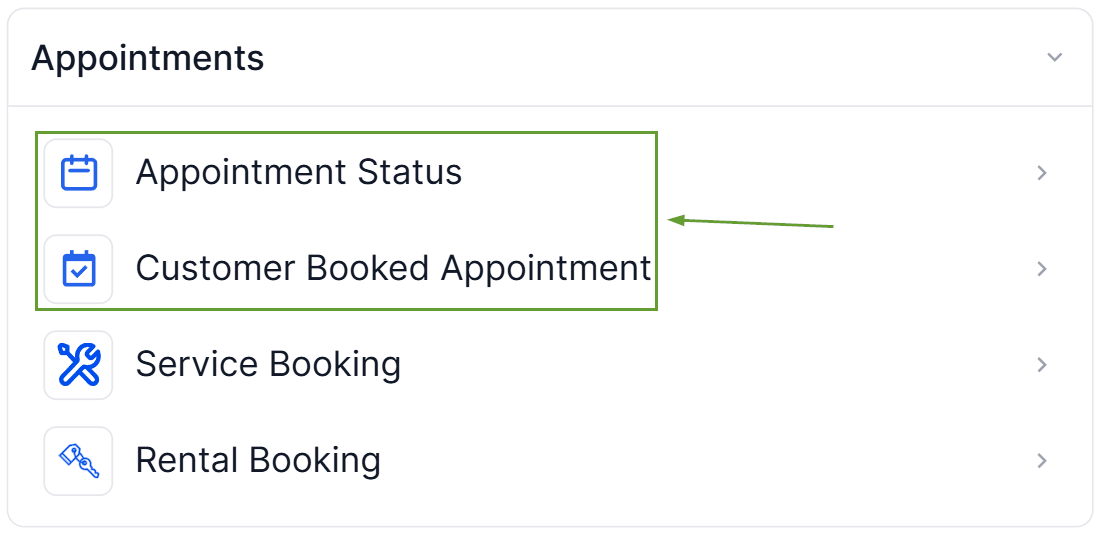
Affected Triggers: This update only applies to the Customer Booked Appointment and Appointment Status triggers.
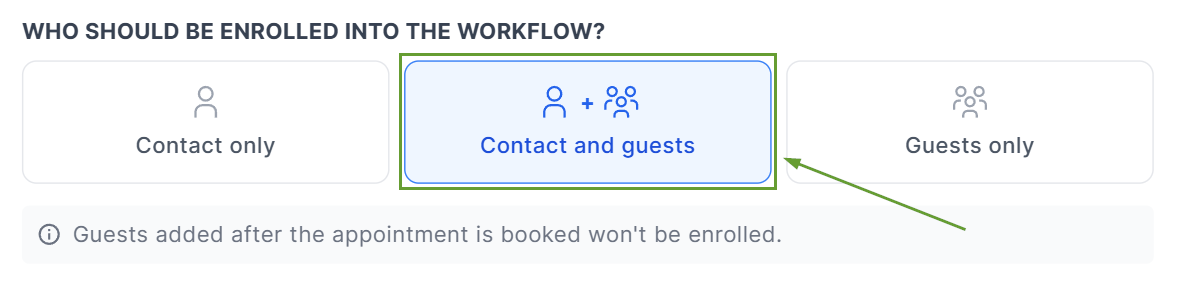
Contact And Guests Behavior: If you choose Contact and Guests, the workflow runs once for the primary contact and once for each guest.
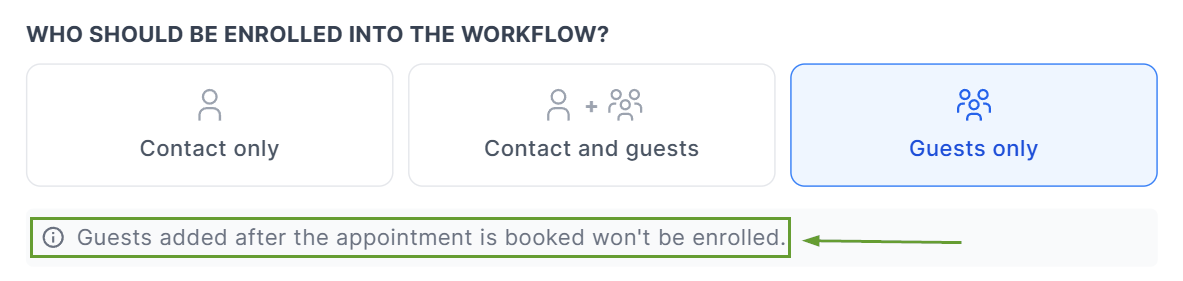
Guests Only Behavior: If you choose Guests only, the primary contact is skipped.
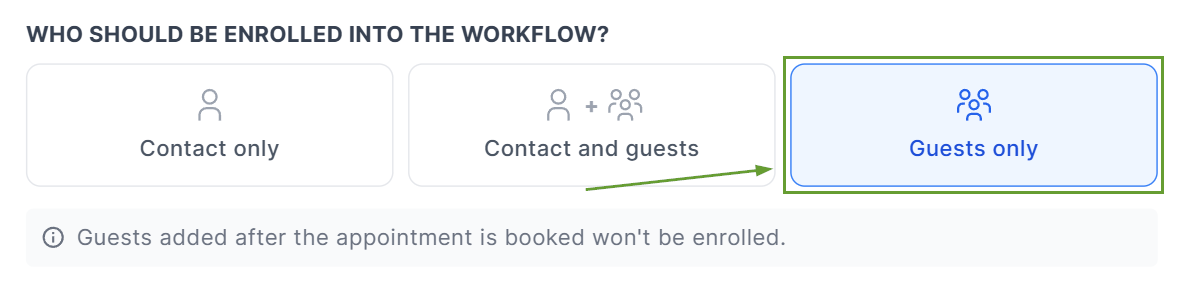
Late Guest Addition: Guests added after the appointment is booked are not enrolled by that earlier trigger event.
⭐️How To Specify Which Contacts Should Trigger The Workflow?
Let's learn how to select the specific appointment-associated contact that should trigger your workflows!
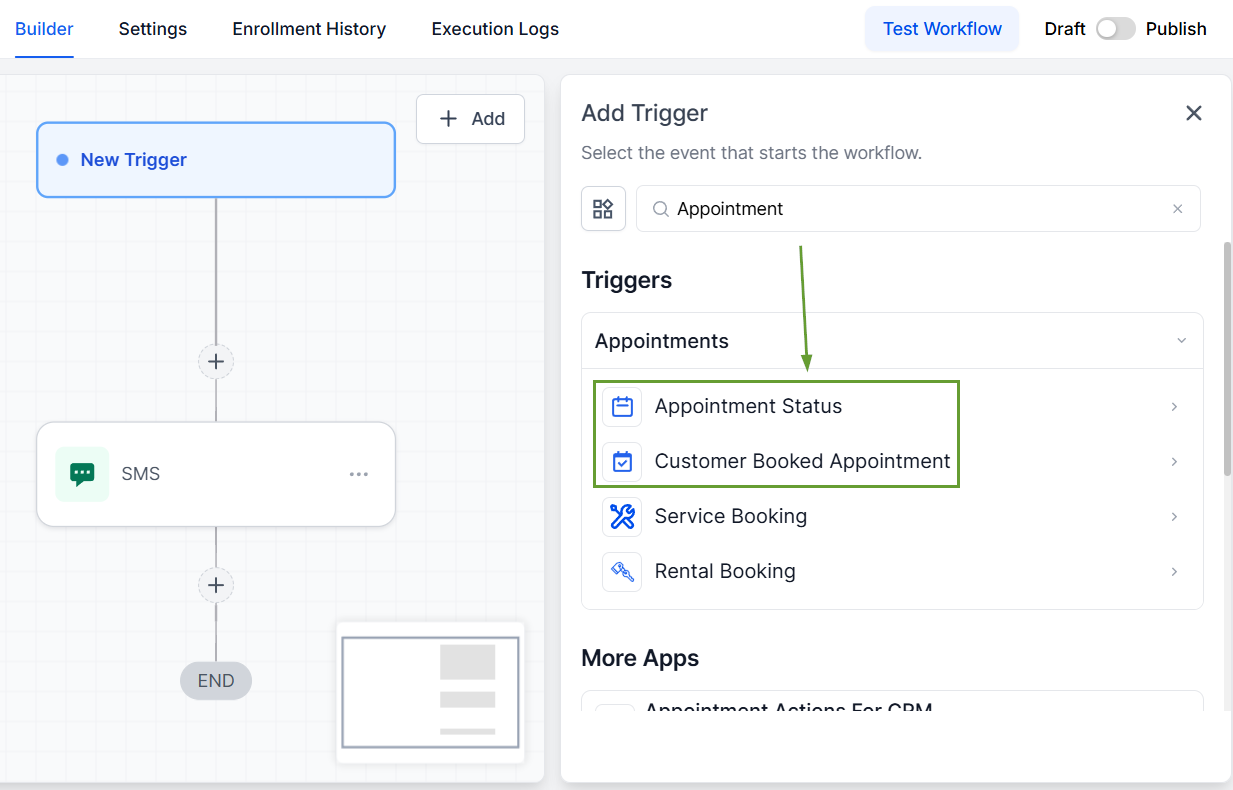
To start, add a Customer Booked Appointment or Appointment Status trigger to your workflow.
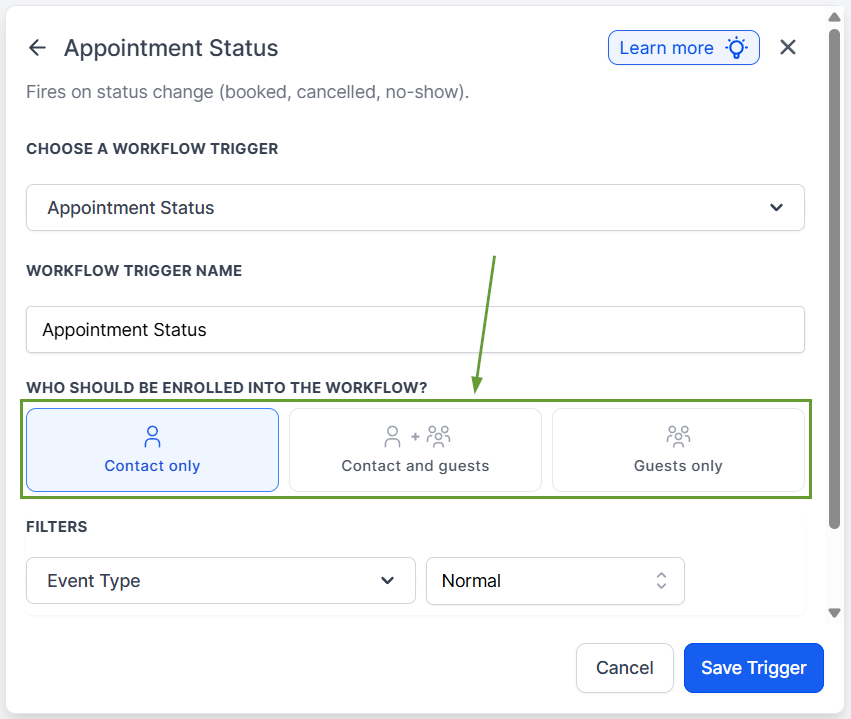
In "Who should be enrolled into the workflow?" choose Contact only, Contact and Guests, or Guests only.
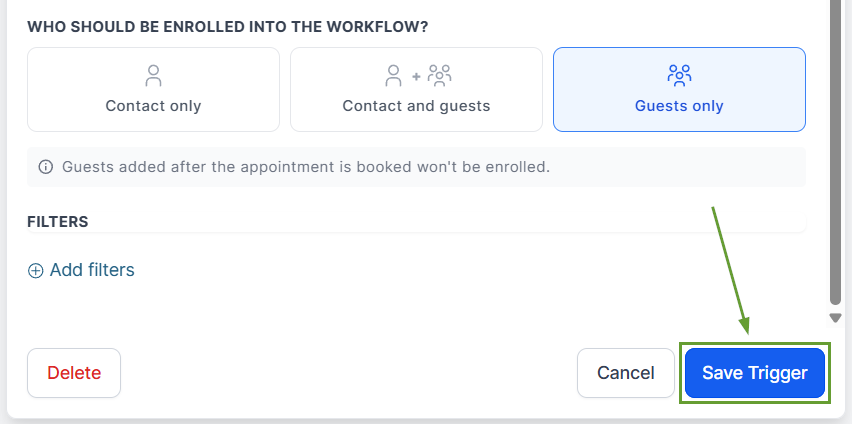
Save the trigger, add any extra actions you desire, and publish your workflow.
Use this improvement to streamline your communications, easily onboard customers, and keep all necessary contacts in the loop of any changes, updates, or cancellations to an appointment. We hope you enjoy it!
