
Send Prospects to Pipeline
Managing leads with your pipelines helps you be efficient and organized, so we’ve integrated the Prospecting Tool with it. Allowing you to directly add leads to your pipelines at the moment of creation. Let's learn how to use it!
⭐️How to Add Prospects to a Pipeline?
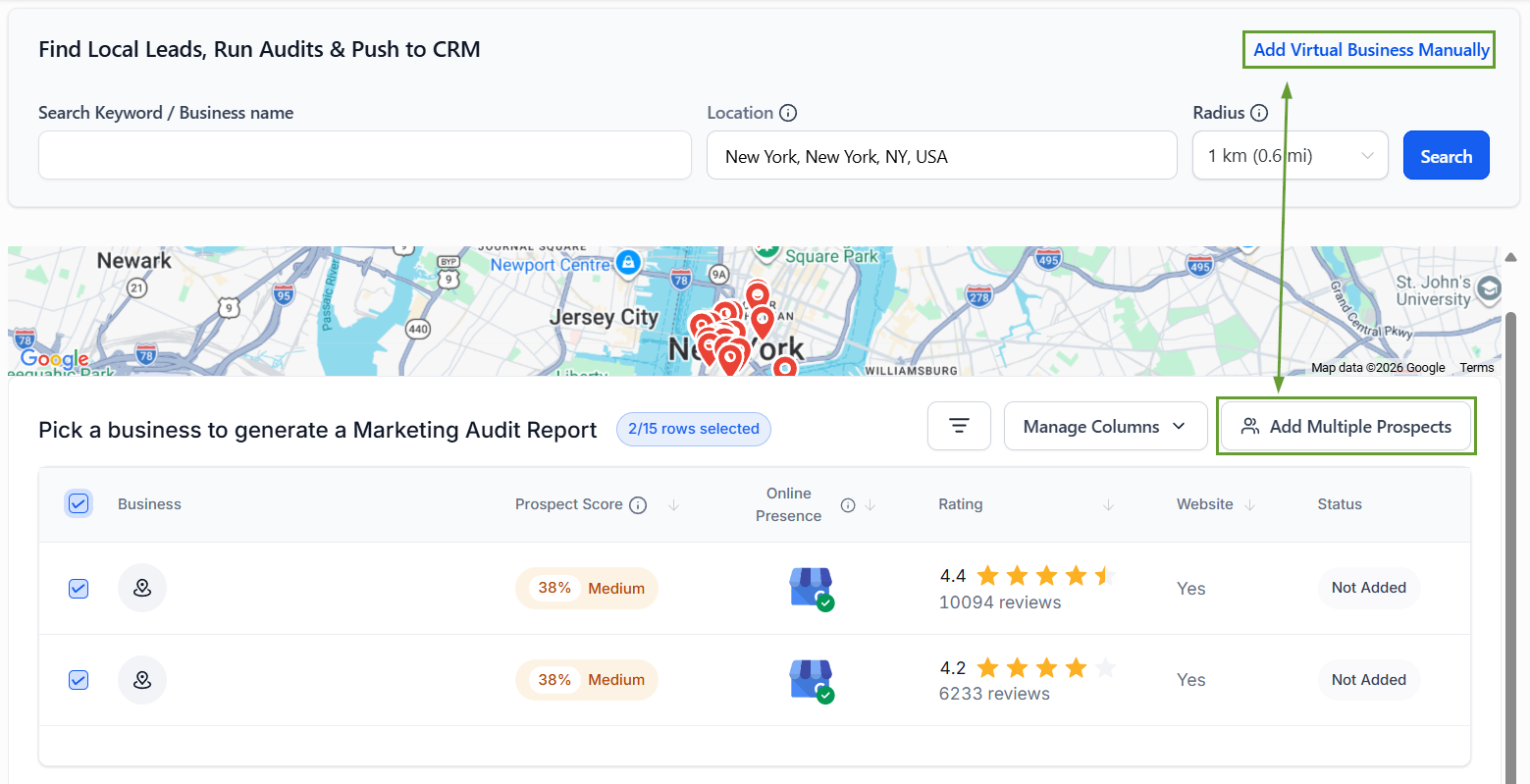
Head to the Prospecting tab inside the Marketing section and click “+Add Prospect.”

Use the search bar or enter the information manually to add your prospect.
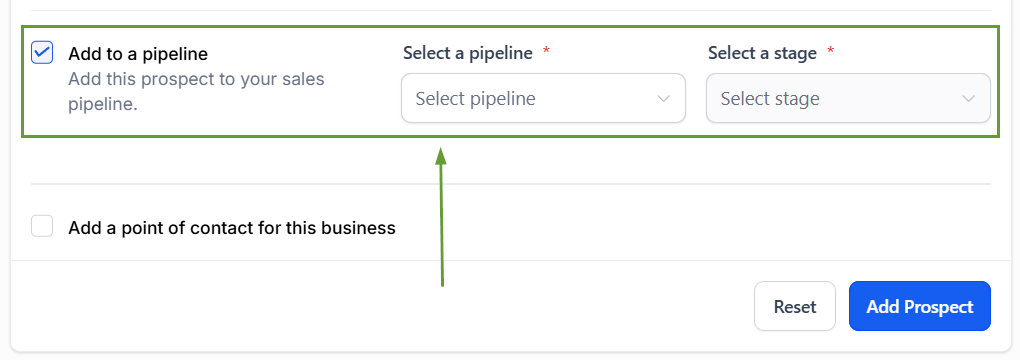
Check the box next to add to pipeline then select the pipeline and stage they should be added to.
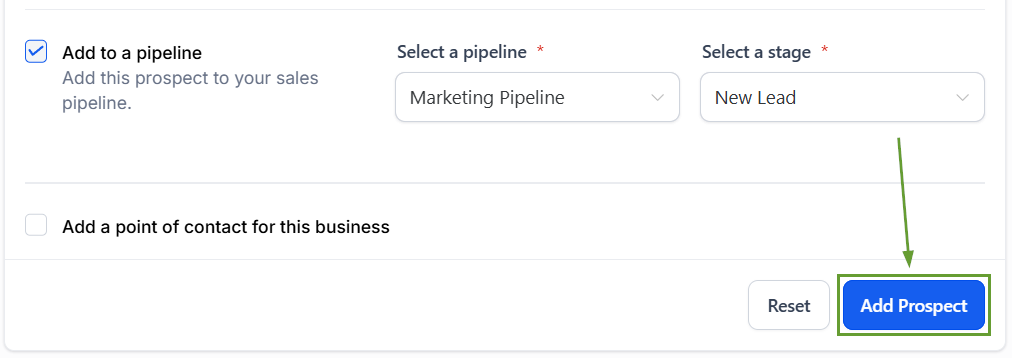
Click “Add Prospect” to generate the report and add the customer to your pipelines.
⭐️Why Is This Feature Beneficial To Your Company?
Enhanced Management: Handle progress stages directly within your pipeline, removing the need for manual additions for already existing prospects.
Simplified Automation: This feature improves workflow compatibility, funneling new leads into tried-and-true automations you’re used to.
Integrated Reporting: Measure ROI from Prospecting inside your CRM, removing the need for workarounds and allowing for instant tracking with dashboard widgets.
This feature helps you create a smooth, streamlined path for reporting leads, treating them like any other in the system and granting you access to the communication and reporting features you’re used to without manual intervention. We hope you enjoy it!
